
What Is Click Fraud?
Generating unwanted or non-converting clicks on paid ads without genuine interest in the advertised offer is referred to as click fraud.
Once they click on your ad, you are charged for that click. If the click originates from a bot, competitor, automated scanner, or another unwanted source, you could be spending your advertising budget while not having a genuine chance to convert.
Explore Plans for Smarter Traffic Filtering & Ad Cloaking Tool
Click fraud is more than a couple of suspicious clicks for affiliate marketers and advertisers. Unwanted traffic can be a significant traffic quality issue, impacting campaign performance and compromising valuable campaign assets.
Where Does Click Fraud Come From?
There are a number of ways that “click fraud” and unwanted campaign traffic can occur:
- Competitors—May interact with ads or investigate campaigns multiple times.
- Bots — Automated systems can click and visit without any real intent.
- Click farms—Coordinated human activity can be used to generate clicks at scale.
- Spy tools and scrapers—Can access campaign pages to analyze offers, creatives, or landing pages.
- Automated systems may visit or inspect campaign destinations: antivirus/auto scanners.
- VPNs and Proxies—The origin of visitors may be more difficult when using anonymous traffic.
- Other visitors who aren’t doing anything helpful to the campaign can also eat up resources and budget.
Not all “unusual” visitors are scams. What is key is whether the traffic helps you in your campaign or not.
Click Fraud vs. Invalid Traffic!
Often click fraud is defined as intentional or hacked clicks that have no real intent of advertising.
There is also invalid traffic, which encompasses bots, automated traffic, accidental actions, suspicious traffic, and other non-genuine traffic.
It’s vital to grasp the distinction so an odd click is not necessarily a fraud.
Why Is Click Fraud an Issue?
The most direct impact of click fraud is wasted advertising spend. Unwanted visitors leading to wasted paid clicks result in a reduction of your money available for actual clients.
It can also introduce low-quality traffic into your campaigns, which can make it more difficult to gauge performance. You might encounter clicks with low engagement rates, odd traffic trends, and little-to-no conversion potential.
Unwanted visitors may also cause indirect losses of important campaign resources, like landing pages and offers to affiliate marketers.
Can Google Ads Detect Click Fraud?
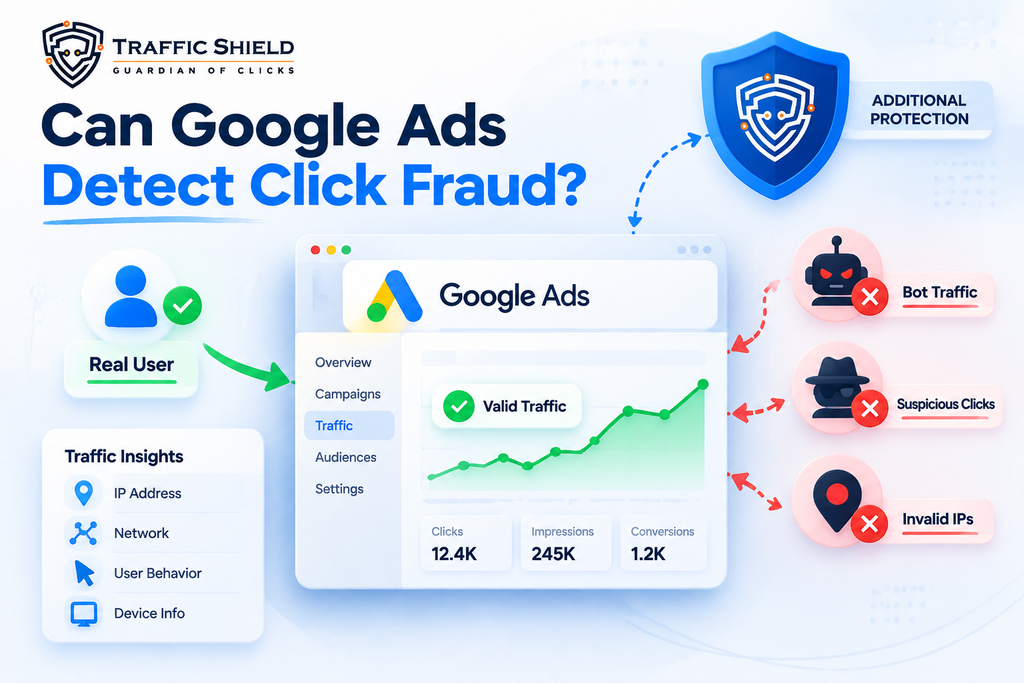
Google Ads uses systems to detect and filter invalid clicks and impressions.
Google categorizes and weeds out invalid clicks and impressions using systems. Advertisers should still familiarize themselves with the traffic that flows to their campaign destinations and landing pages, though.
Traffic analysis can be used at the website level to offer more clues about visitors, such as their IP, network, behavior, and more.
Another layer of control over the traffic that enters critical campaign destinations can be achieved with a dedicated traffic-filtering layer.
What is Click Fraud, and How Can It Impact Your Ad Campaigns?
Click fraud isn’t just the cost of each click; it’s the cost of the advertiser. Persistent unwanted traffic can impact advertising budgets and changes in campaign performance as well as optimization resulting from changes in data.
Wasted Advertising Budget
You pay when someone clicks on your advertisement. These clicks will arrive from traffic that truly has no interest in your offer, and this is the part of your advertising dollars that’s not likely to produce real results.
For a high-CPC campaign, even a relatively small amount of unwanted traffic can be costly.
Lower-Quality Campaign Data
Unwanted visitors can increase click volume without producing corresponding conversions. This can affect important campaign metrics, including:
- Click-through rate—Click volume may increase without meaningful engagement.
- Conversion rate—Additional non-converting visits can reduce the overall conversion percentage.
- Bounce rate—Visitors with no genuine interest may leave quickly.
- Geographic data—Unexpected traffic locations can make audience analysis less reliable.
- Device and network data—Unusual traffic can create patterns that do not represent your real audience.
When traffic data becomes less reliable, campaign optimization becomes more difficult.
Campaign Performance Can Suffer
Early on, when you’re running ads during the day and your daily budget has been depleted, your ads may struggle to get in front of real prospects later in the day.
If a campaign receives many clicks but still produces few conversions, it could be a warning sign. It is difficult, therefore, to know which of the two is to blame when the sales are not up to scratch—whether the advertising strategy is behind it or perhaps the traffic quality.
How to look for suspicious click activity
No single metric proves that a click is fraudulent. Instead, look for multiple unusual patterns together.
Sudden Click Spikes
A sharp increase in clicks without a similar increase in conversions can be a reason to investigate.
Repeated Visitors
Frequent clicks or visits from the same IP, network, or similar sources may indicate unusual activity.
Unexpected Locations
Traffic repeatedly appearing from locations outside your intended audience can signal a targeting or traffic-quality issue.
Unusual Traffic Hours
Large clusters of activity at unusual times may deserve attention when they do not match normal customer behavior.
High Bounce or Very Short Sessions
Visitors who repeatedly arrive and leave quickly may not be engaging with your campaign.
Budget Depleting Too Quickly
If your advertising budget consistently runs out before your campaign objectives are met, examine the traffic behind those clicks.
Don’t Block Traffic Based on One Signal
A VPN, repeated click, unusual location, or high bounce rate does not automatically mean a visitor is fraudulent. Legitimate users can produce these same patterns.
A better approach is to evaluate multiple traffic signals together before deciding that traffic should be filtered.
How TrafficShield Protects Your Ad Campaigns
TrafficShield adds a real-time security layer between incoming traffic and the landing page or offer you want to protect.
It is created to defend CPA offers, landing pages, and ad campaigns by analyzing incoming visitors and doing a set of configured traffic-quality and security checks prior to coming inbound to the protected destination.
AI-Powered Traffic Filtering
TrafficShield uses AI-driven filtering algorithms to analyze traffic from different sources and identify unwanted patterns.
The system can be used with paid advertising, organic traffic, email campaigns, social media, and other traffic sources.
What TrafficShield Can Filter
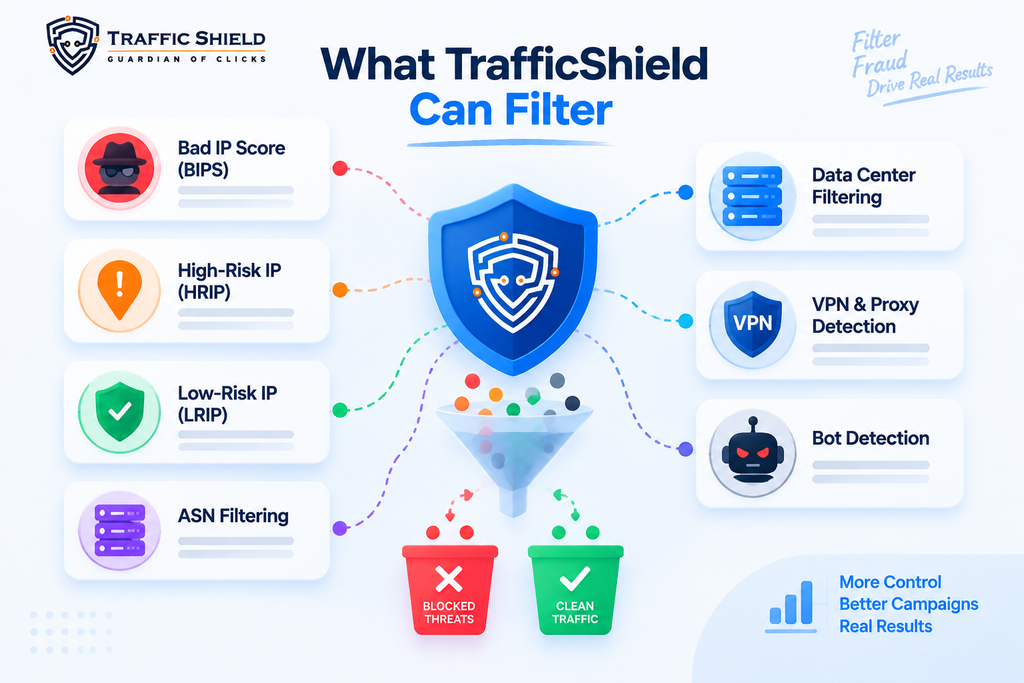
TrafficShield provides multiple filtering capabilities for controlling unwanted campaign traffic, including:
- Bad IP Score (BIPS)—Helps identify traffic from suspicious or poor-quality IP addresses.
- High-Risk IP (HRIP) — Filters traffic associated with high-risk IP addresses.
- Low-Risk IP (LRIP)—Helps classify traffic based on IP risk.
- ASN Filtering — Controls traffic associated with specific network organizations.
- Data Center Filtering—Helps identify traffic originating from data center networks.
- VPN & Proxy Detection — Identifies traffic using VPNs, proxies, or anonymizing services.
- Bot Detection—Helps identify automated traffic and unwanted visitors.
These filters allow campaign owners to build protection based on the type of traffic their campaigns receive.
Protect Your Money Pages
Your main landing page or CPA offer is where valuable traffic should ultimately arrive.
TrafficShield is designed to evaluate incoming visitors before they reach this protected destination. Based on the configured filtering rules, traffic can be routed accordingly:
- Legitimate traffic → Money Page
- Suspicious or unwanted traffic → Safe Page
This helps reduce unnecessary exposure of protected campaign destinations to unwanted visitors.
Protect More Than Ad Spend
TrafficShield is not limited to protecting advertising budgets. Unwanted visitors can also expose campaign assets to competitors, monitoring tools, automated scanners, and other systems.
TrafficShield can help protect:
- Landing pages
- Ad campaigns
- Campaign URLs
- Marketing assets
- Conversion pages
Its threat-detection capabilities also cover categories such as antivirus scanners, ad-review systems, spy tools, VPNs, proxies, browser automation, and traffic-quality verification services.
Works Across Major Traffic Sources
TrafficShield is designed to work across different traffic environments, including:
- Search
- Social
- Display
- Adult networks
- Organic
- Direct traffic
This makes it suitable for advertisers and affiliate marketers managing campaigns across multiple traffic platforms.
How TrafficShield Works
TrafficShield.io creates a filtering layer between your traffic source and campaign destination. Each visitor is evaluated according to your configured protection rules before the system determines where that visitor should go.
The TrafficShield Protection Flow
1. A Visitor Arrives
A visitor clicks your advertisement or campaign link and reaches your TrafficShield-protected entry point.
Traffic can come from paid ads, organic search, email, social media, or other sources.
2. TrafficShield Analyzes the Visitor
Before sending the visitor to the actual offer or landing page, TrafficShield performs hundreds of real-time security checks.
The system can evaluate configured signals such as IP risk, ASN, ISP, data center traffic, VPNs, proxies, bots, and other traffic characteristics.
3. Traffic Is Filtered
TrafficShield compares the visitor against your configured filtering conditions.
The purpose is to separate valuable traffic from unwanted or suspicious visitors before they reach the protected destination.
4. The Visitor Is Redirected
The filtering result determines where the visitor is directed:
- Legitimate traffic → Money Page
- Suspicious or unwanted traffic → Safe Page
This allows the protected campaign destination to receive the traffic that meets your configured conditions.
TrafficShield Integration Methods
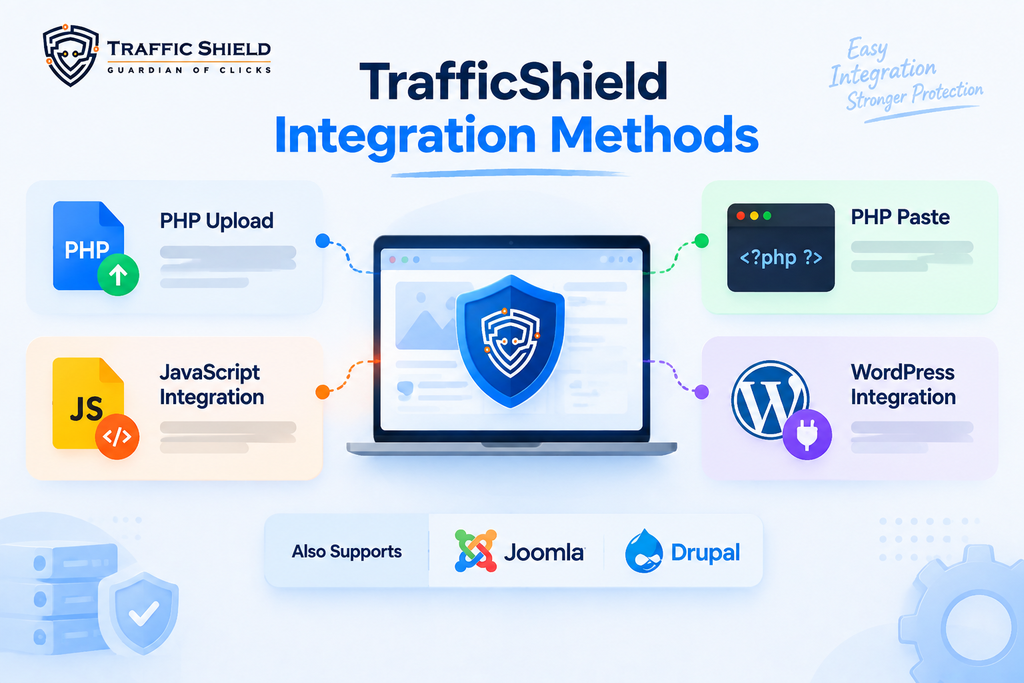
TrafficShield.io provides multiple ways to integrate its protection with your website.
PHP Upload
Upload the TrafficShield PHP file to your server.
This method is designed for setups where the safe page and cloak URL are different.
PHP Paste
Add the TrafficShield PHP script to your website’s entry point.
This method is suitable when the safe page and cloak URL are the same.
JavaScript Integration
Add the TrafficShield JavaScript snippet to your website.
This method also works when the safe page and cloak URL are the same and provides client-side traffic validation.
WordPress Integration
TrafficShield supports WordPress integration through its plugin.
For WordPress campaign setups, TrafficShield recommends disabling caching plugins to avoid interference with the filtering process.
TrafficShield also supports Joomla and Drupal integration.
Cloudflare Compatibility
TrafficShield supports Cloudflare and recommends proxying protected domains through Cloudflare.
To correctly identify the real visitor IP, TrafficShield can use headers including:
- X-Forwarded-For
- X-Real-IP
- Real-IP
- CF-Connecting-IP
Cloudflare’s CF-Connecting-IP header is supported by TrafficShield for identifying the visitor’s original IP.
Key Takeaway
Click fraud can be a waste of advertising dollars, impact data quality, and impact campaign performance. By recognizing suspicious traffic and assessing a number of signals, advertisers can make better decisions about their campaigns. The TrafficShield filters help to analyze incoming visitors, filter unwanted traffic, and aid in the protection of valuable landing pages, offers, and campaigns.
FAQs
1. What is click fraud in paid ads?
Click fraud happens when an ad is clicked on by bots, competitors, automated systems, or other people or systems that have no legitimate interest in the ad. The goal of these clicks is to waste the company’s advertising budget.
2. How do advertisers identify click fraud?
Advertisers should look for unusual or suspicious activity in their ads. Some of these may include repeated visits to the website by the same or different users, lots of clicks within a short period of time, users visiting the website from unusual or remote locations, traffic to the website outside of business hours, short website visits, high bounce rate, low conversion rate, etc.
3. Does it help that Google filters click fraud?
Google has filters for click fraud. However, advertisers should do additional monitoring for click fraud using Google’s analytics as well as analyze in-depth website visits and user activity.
4. What does TrafficShield do?
TrafficShield.io protects ads by filtering out visitors that are determined to be high-risk by TrafficShield’s real-time analysis.
5. What kinds of traffic does TrafficShield filter?
Based on user-defined rules, TrafficShield.io filters traffic that is associated with bots, VPNs and proxies, as well as traffic originating from data centers and high-risk IPs.


